BookZeta is an AI-assisted studio for writing, illustrating, narrating and publishing your own stories. From a single idea, you can take a work all the way to a finished, market-ready file — and you stay the author and the rights holder the whole time. The tools are there to help you move faster, not to take the work away from you.
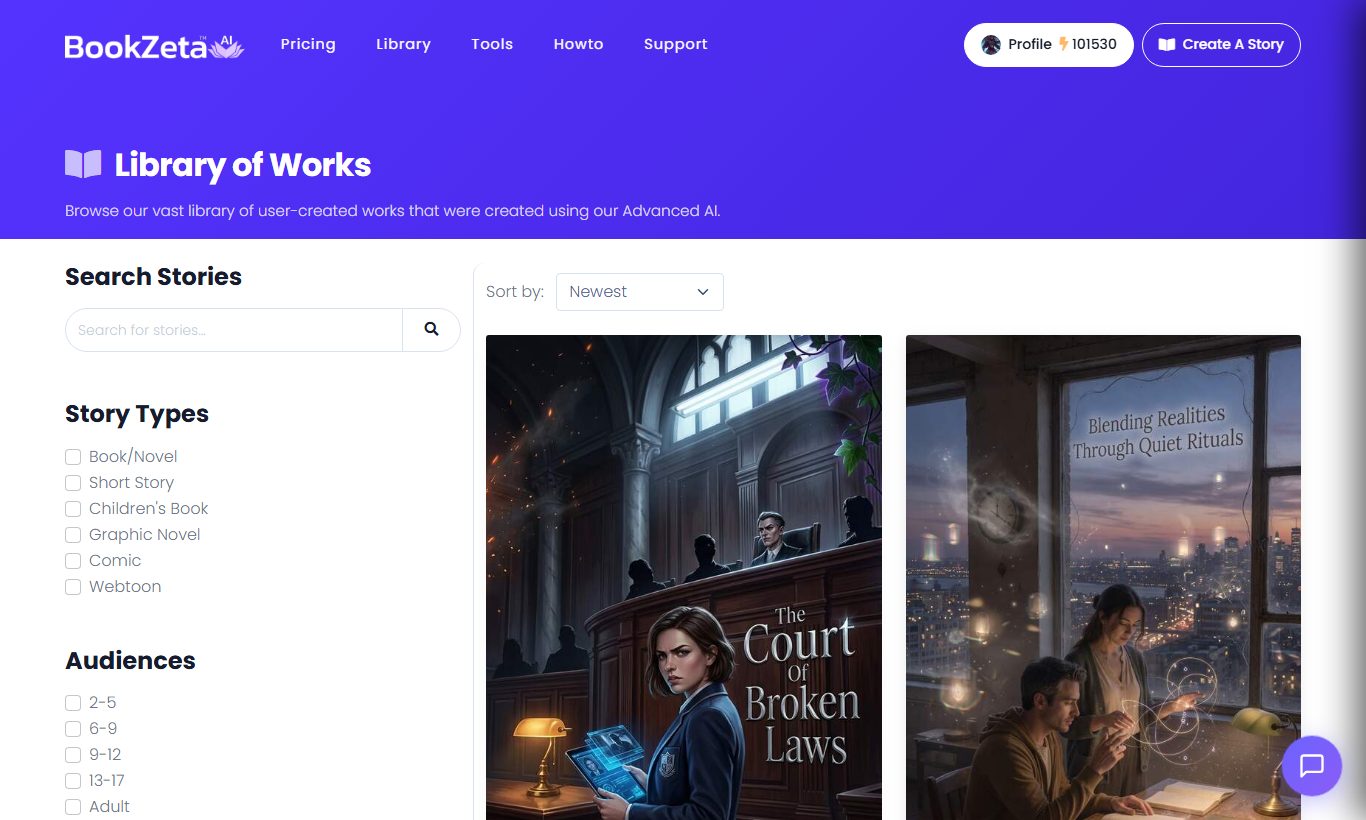
If you've ever stalled out somewhere between "I have an idea" and "it's published," BookZeta is built to close that gap. You can write every word yourself with AI on tap, generate a first draft in one click, or land anywhere in between.
What you can make
BookZeta supports a wide range of work types, each with the right structure and tools built in:
- Books & novels — long-form fiction and non-fiction organised into chapters.
- Short stories — focused, single-arc pieces.
- Children's books — age-appropriate text paired with illustrations.
- Comics & graphic novels — page-by-page art with panels and speech bubbles.
- Webtoons — vertical-scrolling, mobile-first comics.
- Movie, TV & play scripts — screenplays, episodes and stage plays in industry-standard format. See Creating movie, TV and play scripts.
- Audiobooks — AI narration exported with chapter markers.
Whatever you make, you can illustrate it, narrate it, design a cover for it, and export it in the formats stores expect.
How creating works
The basic flow is the same no matter what you're building:
- Pick a mode. Your mode decides how much the AI does versus how much you do by hand — from one-click generation to a full hands-on editor. See Choosing a creation mode.
- Set your genre and audience. These shape the tone, vocabulary and content so the result fits the readers you're writing for.
- Describe your idea. A short prompt is enough to get started; you can refine everything later.
- Generate or write, then refine. The AI helps draft, expand, illustrate and narrate — and you can edit anything by hand at any time.
- Export and publish when you're ready. See Export formats explained.
You're always in control
The AI is a collaborator, not the boss. Nothing is locked in: every generated chapter, image or line can be rewritten, replaced or deleted, and you can switch to writing by hand whenever you like. Manual editing never costs anything.
Most AI actions — generating a chapter, an image, narration and so on — spend Creation Points, the credits included with your plan. You'll always see the cost before you confirm, so there are no surprises.
Where to go next
- New here? Start with Creating your first project.
- Not sure which mode fits you? Read Choosing a creation mode.
- Curious about credits and plans? See Understanding Creation Points and Account, plans & billing basics.