The library is BookZeta's public catalog: novels, short stories, children's books, comics, webtoons and audiobooks made by other creators, free to read. You do not have to create anything to use it.
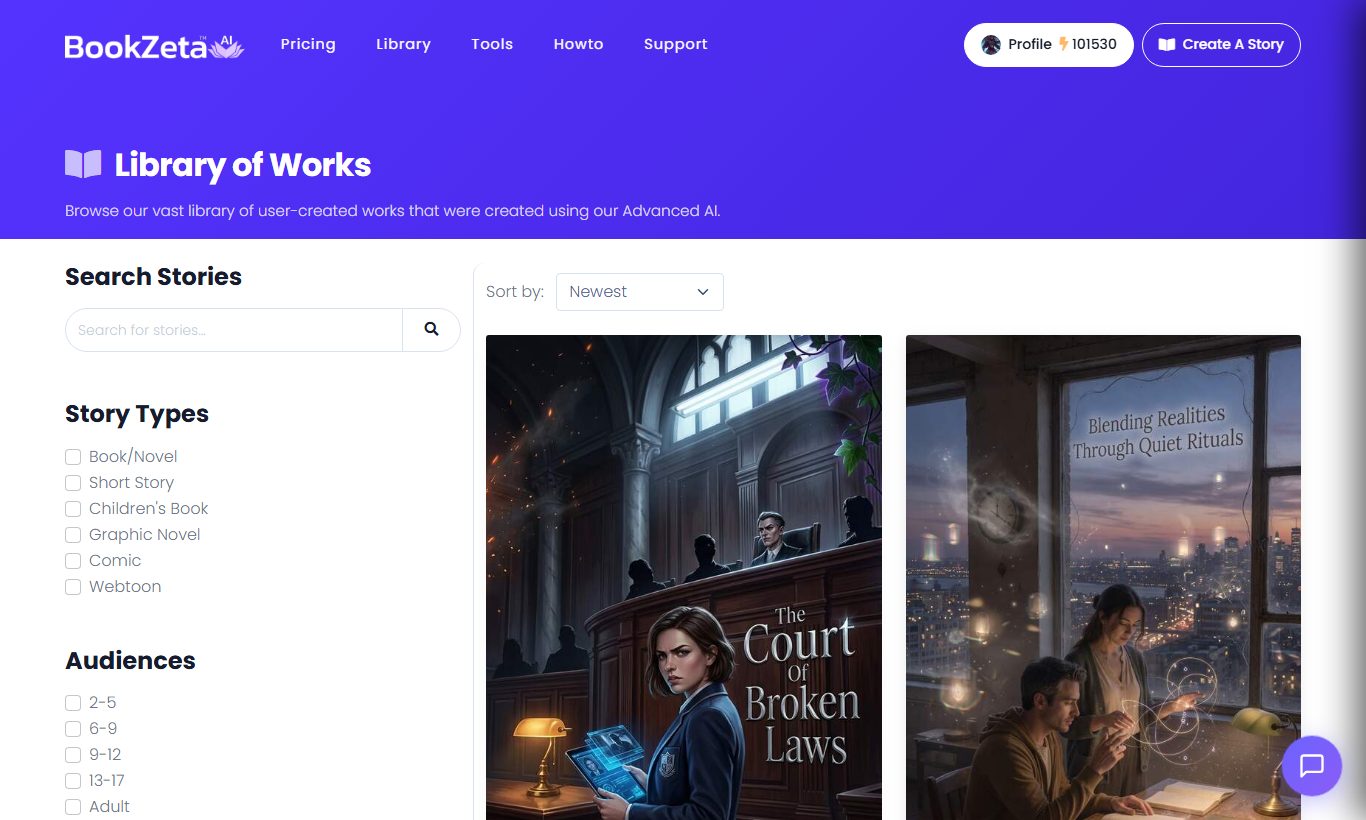
Finding something to read
The library grid filters by story type (novel, short story, comic, webtoon, children's book and so on), genre, sub-genre and audience (the age band a story was written for). You can also search by title or synopsis, with autocomplete as you type.
Sort by newest, highest rated, most read or most reviewed depending on what you are after. Newest is the place to find things nobody has seen yet; most read is the safest bet.
Reading
Open a story and you get a chapter table of contents, your scroll position saved automatically, and a dark theme that follows your device setting.
Because progress is saved to your account, you can start a book on a laptop and pick it up on your phone. If the creator updates a story you are partway through, a banner tells you the text has changed so you are not confused by a chapter that has moved.
Reading a full story requires a free account. Without one you get a preview and then a prompt to sign in.
Listening
Stories with narration open in the audiobook player instead: cover art, transport controls, a chapter dropdown, 15-second skip, and playback speed from 0.75x to 2x. Progress is saved the same way reading progress is.
Saving, favoriting and following
- Save for later: the button on a story page adds it to your list without committing to reading it now.
- Favorites: mark stories you want to keep.
- Favorite creators: follow someone whose work you like, so their new stories are easy to find.
Everything lands under Reading in your profile, split into Continue (started but not finished), History (finished), Favorites, and Reviews/Ratings.
Rating and reviewing
Stories take a 1 to 5 star rating and a written review. Both are public and attached to your profile.
A few things worth knowing:
- Ratings feed discovery. The "highest rated" sort and story recommendations both use them, so a rating is genuinely useful to the next reader.
- Reviews are moderated. Abusive or off-topic reviews get removed.
- Review the book, not the author. Reviews about the creator rather than the work tend to come down.
If a story itself breaks the rules, use the report option on the story page rather than the review field. See BookZeta's role and your responsibilities.
Series, sequels and related stories
A story page shows its series siblings if it belongs to one, plus any related sequels, prequels and spin-offs, so a series reads in order without hunting. Recommendations at the bottom are based on genre, audience and what readers of that story also read.
If you want to write a continuation of your own work, see Sequels, prequels and spin-offs.
Reading with children
If younger readers use your account or device, set up parental controls to limit the library to age-appropriate audiences behind a PIN. There is also a separate BookZeta Kids app built entirely around an age-gated catalog.