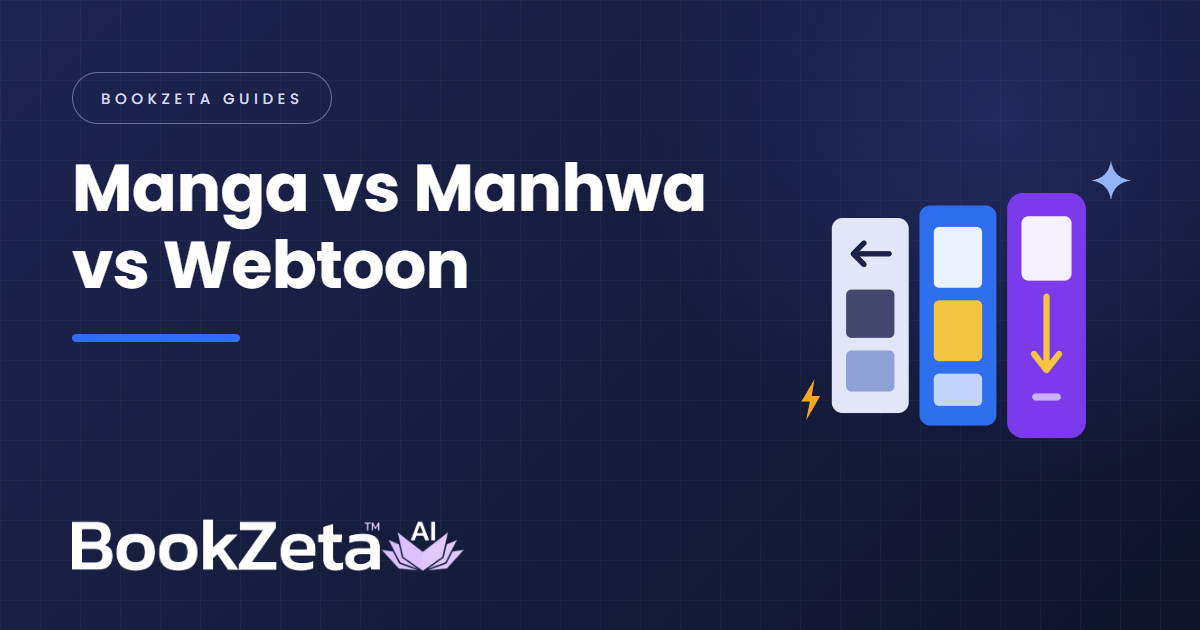
People mix up manga, manhwa, manhua, and webtoons every day because three of those words describe where a comic comes from, while the fourth describes how a comic is formatted on a screen.
Once you separate geography from layout, the confusion disappears completely:
- Manga = Japanese comics (traditionally black-and-white print pages, read right to left).
- Manhwa = South Korean comics (historically print pages read left to right, now overwhelmingly published as full-colour vertical webtoons).
- Manhua = Chinese comics (published in both traditional pages and full-colour vertical strips).
- Webtoon = the vertical-scroll digital format invented on South Korean web portals and now used by creators worldwide in every language.
Manga vs manhwa vs manhua vs webtoon at a glance
| Term | What It Refers To | Reading Direction | Typical Colour | Standard Layout |
|---|---|---|---|---|
| Manga | Japanese comics & visual tradition | Right to left (traditional) | Monochrome ink + screentones | Page-by-page & two-page spreads (tankobon 5" x 7.5") |
| Manhwa | South Korean comics | Left to right, or top to bottom | Full colour online; B&W in older print | Modern manhwa is mostly vertical scroll; classic manhwa used pages |
| Manhua | Chinese / Greater China comics | Top to bottom (digital) or R-to-L / L-to-R (print) | Full painterly or cel colour | Primarily vertical mobile strips today |
| Webtoon | A layout format (not a nationality) | Strictly top to bottom | Full colour | Continuous 800 px vertical strip for phones |
For how Western monthly issues fit alongside these, read webtoon vs manga vs comic.
Is every manhwa a webtoon (and is every webtoon a manhwa)?
No—and that distinction trips up almost every discussion thread online.
Before smartphones existed, South Korea had a thriving print manhwa industry (Priest, Ragnarok, Goong) printed in black-and-white paperback volumes and read left to right because Korean Hangul script reads horizontally left to right. Those books are manhwa, not webtoons.
In the early 2000s, Korean portals like Daum and Naver pioneered continuous vertical strips built for browser scrolling—webtoons. Because hits like Solo Leveling, Tower of God, and True Beauty are both Korean (manhwa) and vertical strips (webtoons), international readers started treating the words as synonyms. Meanwhile, an American, Brazilian, or French artist publishing a vertical scroll series on WEBTOON Canvas or Tapas is making a webtoon, not Korean manhwa.
How the visual storytelling differs for creators
If you are deciding which tradition to draw or generate in, the differences go deeper than reading direction:
- Pacing and white space. A printed manga page packs 4 to 7 panels onto a single sheet, using diagonal panel borders, speed lines, and right-to-left eye flow to lead the reader toward a page-turn reveal on the odd-numbered left page. A webtoon shows one panel per thumb-scroll and uses tall vertical gutters of white or black space to control dramatic timing—see webtoon canvas size and dimensions.
- Colour vs contrast. Print manga relies on crisp black linework and halftone shading because Japanese weekly magazines print cheaply on newsprint. Webtoons and digital manhwa/manhua lean on atmospheric lighting, colour gradients, and high-contrast cel shading that pop on OLED phone screens.
- Genre staples. While every format covers romance and action, modern Korean manhwa/webtoons popularized dungeon gates, hunter rankings, tower climbs, and villainess reincarnation (otome isekai), Chinese manhua dominates cultivation (xianxia / wuxia), and Japanese manga spans everything from sports and slice-of-life to intricate shonen and seinen worlds.
Doing this in BookZeta
BookZeta treats canvas format and art style independently inside Graphic Mode, so you never get locked out of a hybrid approach:
- Choose Webtoon (
800 pxvertical scroll, no spine) to build mobile episodes, or choose Manga (5" x 7.5"/5.75" x 8.25") or Graphic Novel (6" x 9") for paginated print and digital volumes. - Pair any canvas with dedicated Webtoon / Manhwa, Manga, Anime Cel, or Modern Comic looks using choosing an art style.
- Lock recurring faces and up to three outfits per character in the Series Bible, then export numbered slices for WEBTOON/Tapas or 300 DPI CMYK PDFs for print. Explore our webtoon maker and comic book studio.