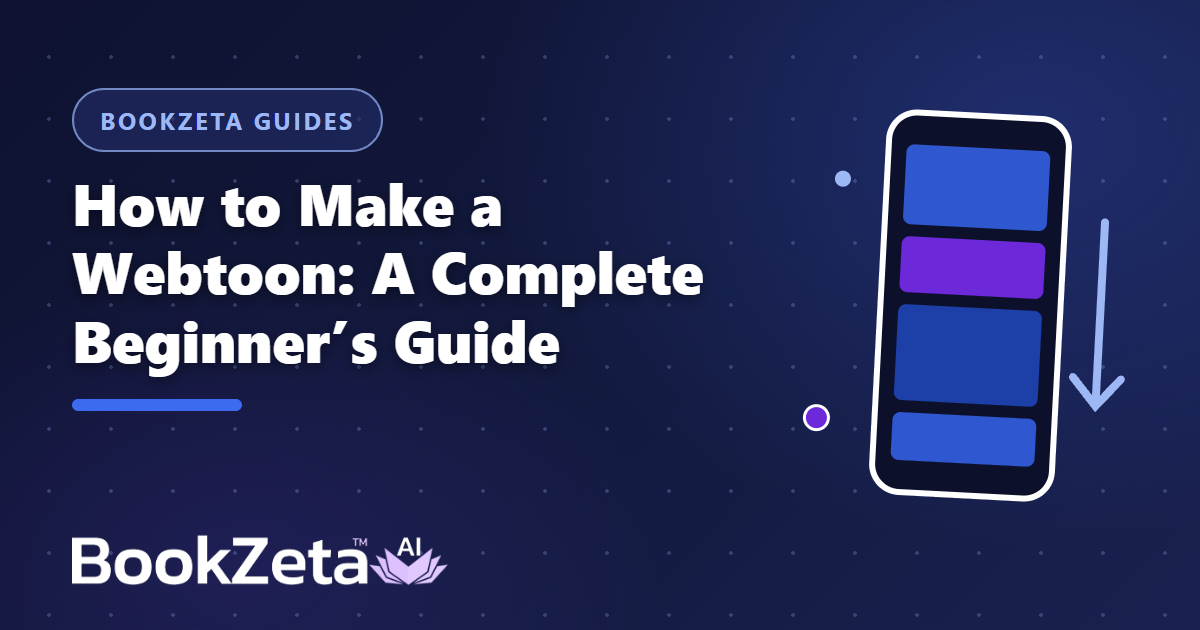
A webtoon is a comic built as one long vertical strip, read by scrolling on a phone — and it's the fastest-growing comic format in the world. Making one is different from making a traditional comic: you design for the scroll, not the page turn. Here's how to do it right.
Vertical scroll changes the storytelling
Traditional comics use the page turn for reveals. Webtoons use scroll distance: a long stretch of empty space before a big panel creates suspense; tightly stacked panels read fast like an action sequence. When you plan your webtoon, think in beats-per-scroll, not panels-per-page:
- One idea per screen — the reader sees roughly one phone-screen of content at a time.
- Use vertical space as timing — gaps are your pacing tool. Silence is free.
- Big, readable art — panels are viewed at phone width; detail that works in print turns to mush.
Step 1: Write in episodes, not chapters
Webtoon readers expect short, regular episodes with a hook at the end of each one. Outline your story as 20–60 episode beats before you start producing art.
Step 2: Build your cast once
Like any comic, the make-or-break factor is character consistency. In BookZeta's Webtoon mode, you define characters, settings, and items first, and every generated panel keeps them consistent — same face, same outfit, episode after episode. Pick from 40+ art styles; for webtoons, clean high-contrast styles read best at phone size.
Step 3: Generate, then adjust the pacing
Auto-generate your episode, then scroll through it on a phone — this is the single most useful QA step. Panels that feel fine on a desktop preview often read too fast or too cramped on the device your audience actually uses. The BookZeta mobile app makes this easy: your webtoon is right there in your pocket.
Step 4: Export for any platform
When an episode is done, BookZeta exports it two ways:
- Slice ZIP — the strip cut into correctly-sized image slices, ready to upload to webtoon platforms.
- Responsive HTML viewer — a self-contained scrolling reader you can host anywhere or share as a link.
You can also publish directly to the free community library, where webtoons are read in a native vertical viewer.
Webtoon or traditional comic?
If your audience reads on phones, webtoon. If you're printing or targeting comic shops, traditional comic pages. Full comparison: Comic vs. Graphic Novel vs. Webtoon vs. Manga.
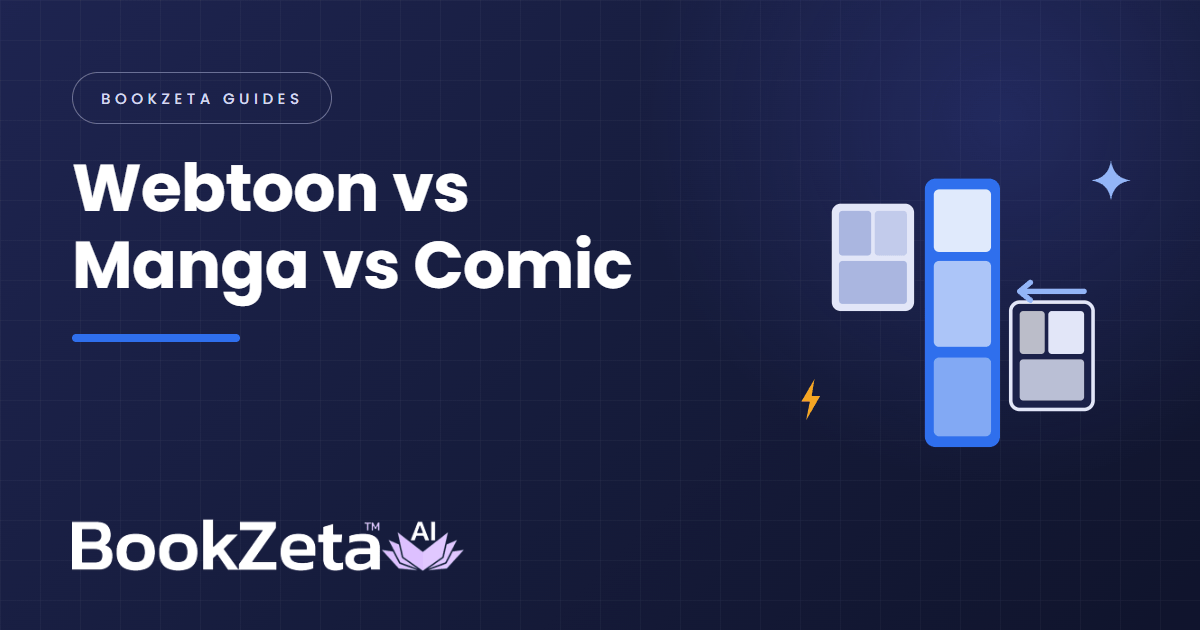
Before you start: if you are still deciding on the format, webtoon vs manga vs comic covers what changes between them, and keeping characters consistent in a webtoon is the problem most first series run into by episode three. The webtoon creator shows what BookZeta builds end to end.
Start your webtoon free — your first episode can be live today.